
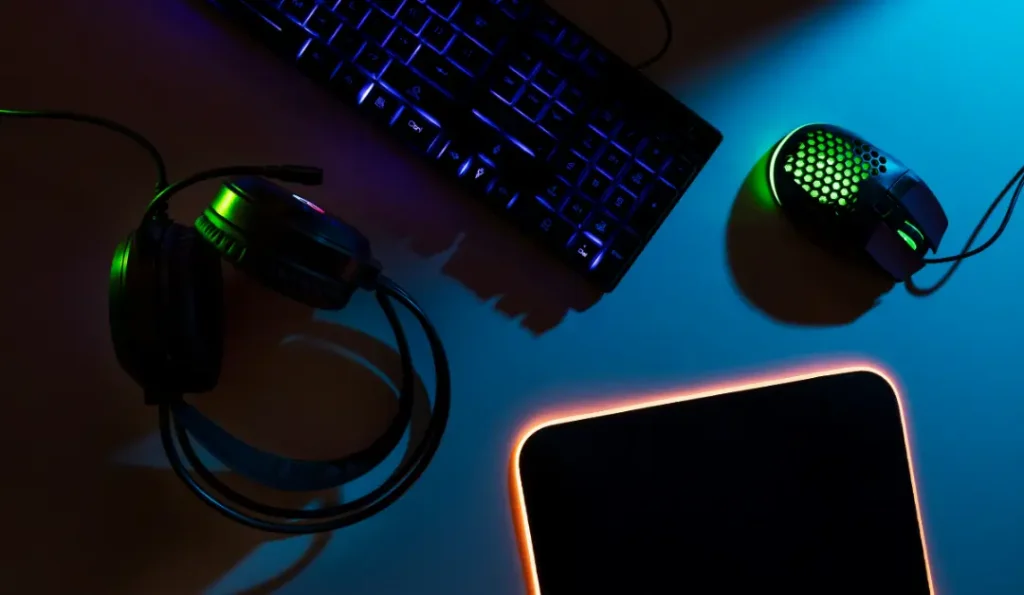
You’ve got the desk, the monitor, and the peripherals — the right gaming desk accessories are what take it from “fine” to “dialed in.” The good news is that most of them are inexpensive, and a few will genuinely change how your setup looks and feels to use. Here are the upgrades worth making, roughly in the order most people should buy them. For the bigger picture, start with our gaming setup desk guide.
The Essentials (Buy These First)
1. A Large Deskmat
The highest value-for-money accessory there is. A full-desk mat protects the surface, gives your mouse a consistent glide, and instantly ties the whole setup together visually. Pick one in your palette and the desk looks intentional immediately.
2. A Monitor Arm
A monitor arm frees up the desk space your monitor stand was eating, lets you position the screen at the perfect ergonomic height, and makes cable routing cleaner. It’s the upgrade people regret not buying sooner — and it’s essential for a minimalist setup.
3. A Cable Management Tray
The unsung hero of every clean build. A clamp-on tray hides your power strip, adapters, and cable slack under the desk where they belong. Cheap, fast to install, and transformative.
4. A Headphone Stand or Hook
Gets your headset off the desk surface, protects the headband, and adds a natural focal point. A clamp-on under-desk hook is the most space-efficient option; a standing model doubles as decor.
The Quality-of-Life Upgrades
5. A USB Hub
You will run out of ports — everyone does. A powered USB hub keeps your most-used devices connected and within reach.
6. A Monitor Light Bar
A screen-mounted light bar illuminates your desk and keyboard without glare on the monitor. A favorite of both productivity and clean-setup crowds.
7. Bias Lighting
An LED strip behind the monitor reduces eye strain and adds atmosphere for very little money. More on placement in our RGB gaming setup guide.
8. A Wrist Rest
Small comfort upgrade, big payoff over long sessions — supports your wrists in a neutral position and pairs naturally with a mechanical keyboard.
The Finishing Touches
9. A Desk Shelf or Monitor Stand
Raises your monitor to eye level (if you’re not using an arm) and adds storage underneath for peripherals, reclaiming desk space.
10. Cable Clips & Sleeves
The detail work that makes cable management look professional rather than just hidden.
11. A Controller / Headset Mount
Keeps controllers and spare headsets off the surface and on display.
12. Desk Plants or Decor
One or two pieces add life and personality. Keep it restrained — see our setup ideas for how decor fits different styles.
How to Prioritize on a Budget
You don’t need everything at once. If you’re watching spending, the order that delivers the most impact per dollar is: deskmat → cable tray → bias lighting → headphone hook → monitor arm. Add the rest over time. Our budget gaming setup guide shows how to fit accessories into any price point.
The right accessories aren’t about buying the most stuff — they’re about choosing the few pieces that make your setup cleaner, more comfortable, and more you. Get the foundation right first, then layer these in.