
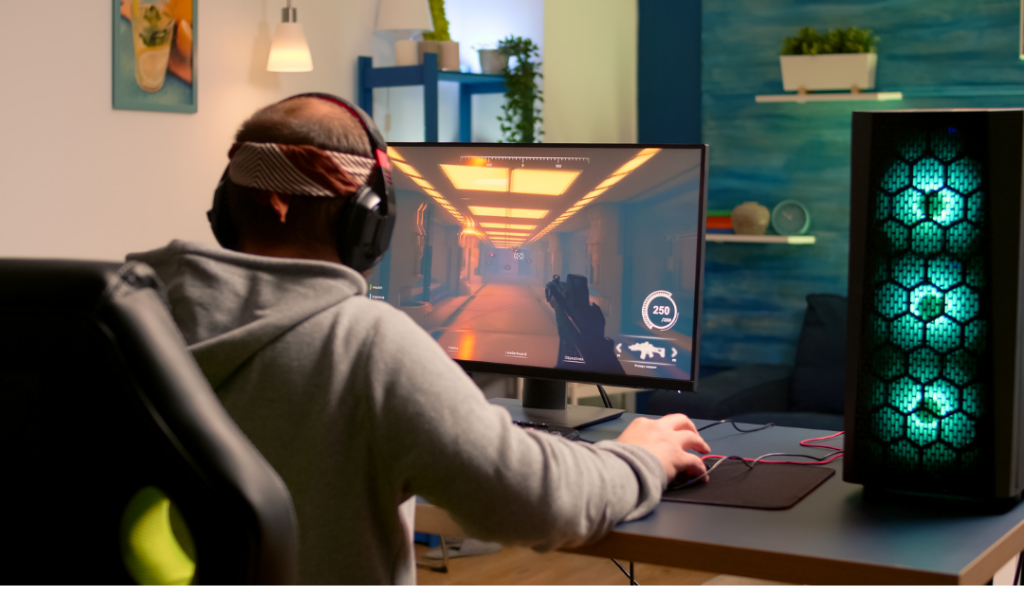
The glowing, gear-packed battlestation gets all the attention — but a growing number of gamers are going the opposite way. A minimalist gaming setup is calm, uncluttered, and surprisingly satisfying to use every day. The look reads as expensive and intentional, and the best part is that the core ideas cost almost nothing. Here’s how to build it. For the foundation, pair this with our gaming setup desk guide.
What “Minimalist” Actually Means Here
Minimalist doesn’t mean empty or boring — it means deliberate. Everything on the desk earns its place, the color palette is tight, and nothing is fighting for your attention. The result is a setup that feels focused, which is exactly what you want when you’re gaming.
The three pillars: hide the cables, limit the palette, keep the surface clear.
Pillar 1: Hide Every Cable
This is the single biggest difference between a clean setup and a messy one. Visible cables instantly break the minimalist look.
- Route everything through a clamp-on cable tray under the desk.
- Bundle cables with reusable velcro ties.
- Mount your power strip to the underside of the desk so it disappears.
- Use a monitor arm to eliminate the bulky stand and route the cable through the arm.
Our main guide has a full cable management walkthrough if you want the step-by-step.
Pillar 2: Limit Your Color Palette
Pick a tight palette and stick to it. The most popular minimalist combinations are:
- All white — desk, peripherals, and accessories in white for a bright, modern look.
- Black on wood — black gear on a warm wood-tone desk for contrast without clutter.
- Monochrome — varying shades of gray and black.
Matching your keyboard, mouse, deskmat, and cables to the palette does more for the clean look than any single expensive item.
Pillar 3: Keep the Surface Clear
Be ruthless about what stays on the desk. The essentials — monitor, keyboard, mouse, deskmat — and little else. Everything optional either goes in a drawer, on a wall, or off the desk entirely. A single small accent (one plant, one figure, one lamp) is allowed; a shelf full of them is not.
Minimalist Doesn’t Mean No Lighting
You can absolutely have a clean setup and lighting — just keep it subtle. A single-color bias light behind the monitor adds atmosphere without clutter. The trick is one calm color, not a rainbow. See our RGB gaming setup guide for placement that complements rather than overwhelms a minimalist look.
The Right Gear for a Clean Look
A few accessories do a lot of heavy lifting for minimalist setups: a large neutral deskmat, a monitor arm, a low-profile or compact keyboard, and a cable tray. Our gaming desk accessories guide ranks the best of each, and you can build the whole thing affordably using our budget gaming setup tips.
If you want to see how the minimalist style compares to other aesthetics side by side, check out our broader gaming desk setup ideas. Strip it back, tighten the palette, and hide the cables — that’s a clean setup in three moves.