
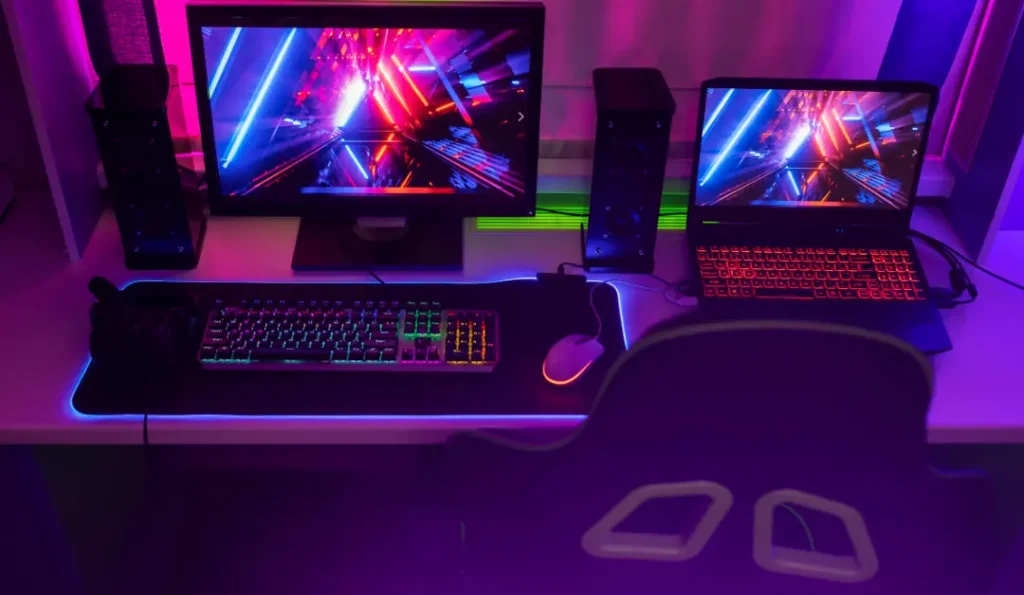
Nothing transforms a battlestation faster — or cheaper — than lighting. A good RGB gaming setup turns a plain desk into something that genuinely looks alive. But there’s a fine line between a setup that looks high-end and one that looks like a string of holiday lights threw up on your desk. This guide shows you how to land on the right side of it. For the full build context, start with our gaming setup desk guide.
The One Rule That Separates Good RGB From Bad RGB
Sync your colors. The single biggest mistake is letting every device run its own rainbow effect. A setup where your lights, keyboard, mouse, and PC case all share one coordinated color scheme looks deliberate and premium. The same gear running mismatched effects looks chaotic. Pick one or two colors (or one slow, unified transition) and commit.
Where to Put Your Lights (In Order of Impact)
You don’t need to light everything. Add these in order, and most people stop after the first three:
- Behind the monitor (bias lighting) — The highest-impact, lowest-cost move. A strip on the back of your monitor reduces eye strain and creates a glow that makes the whole desk look finished. Start here.
- Under the desk — A strip along the underside of the desk edge gives the setup a “floating” effect and lights the floor.
- Behind the desk / on the wall — Strips or panels behind the desk add depth without shining into your eyes.
- A wall feature — Hexagon or panel lights (like Nanoleaf-style kits) become the focal point of the room.
- Peripherals and PC — RGB keyboard, mouse, fans, and case tie the scheme together at the desk surface.
Aim light away from your eyes and onto surfaces — bouncing light off a wall always looks better than a strip glaring straight at you.
Choosing an RGB Ecosystem
The convenience of RGB comes from controlling it all in one place. A few popular routes:
- Govee — Affordable, app-controlled, with a huge range of strips and panels. The go-to for budget-conscious builds, and many products sync to on-screen colors.
- Nanoleaf — Premium modular wall panels (hexagons, triangles, lines) that double as decor. Pricier, but the focal-point factor is unmatched.
- Corsair iCUE / Razer Chroma / Logitech — If your peripherals are already from one brand, staying in that ecosystem lets keyboard, mouse, and lighting react together.
Mixing ecosystems works, but you’ll juggle multiple apps. Prices and product lineups change often, so check current options before buying.
RGB on a Budget
Great news: lighting is where a budget gaming setup can punch way above its weight. A single inexpensive bias-lighting strip behind the monitor delivers most of the effect for very little money. Add an under-desk strip and you’ve got a genuinely impressive glow for the price of a couple of games.
Matching RGB to Your Style
RGB isn’t only for maximalist builds. A subtle single-color glow suits even a near-minimalist setup, while a full multi-zone build anchors an immersive battlestation. Browse our gaming desk setup ideas to see how lighting fits different aesthetics, and finish the look with the right accessories.
Start with bias lighting, sync your colors, and build outward — that’s the whole secret to RGB that looks expensive.